You've done the prep. You know your stories. Then the camera turns on — and your best example evaporates, or you glance down at notes and your eyes slide off the lens. The problem was never your answers. It's the moment.
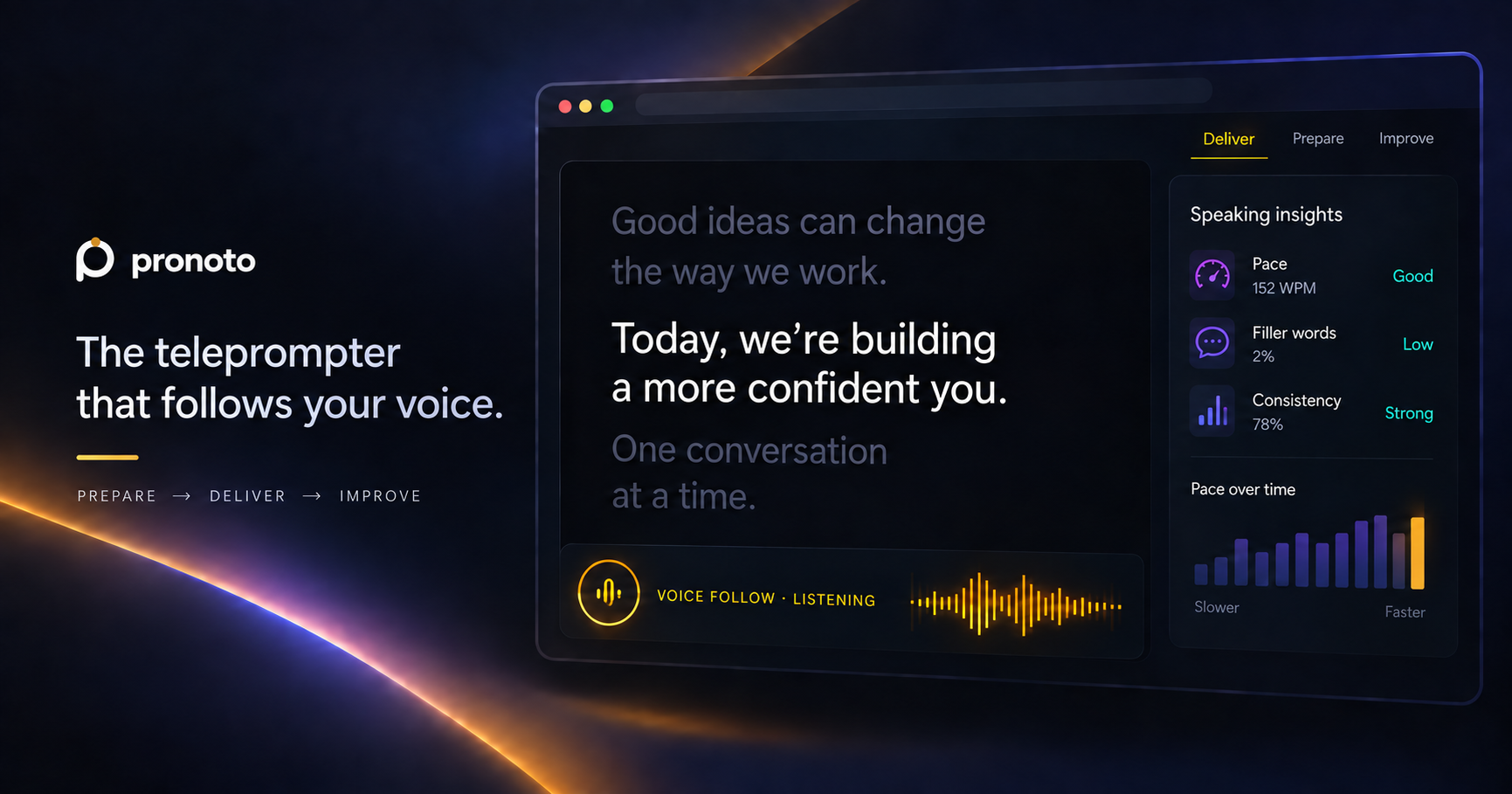
A teleprompter fixes exactly that: it puts your prepared answers right next to the camera and moves them as you speak, so you keep eye contact and sound ready — not rehearsed. Here's how to do it without ever looking like you're reading.
- Keep answers short and in a narrow column, right under the lens
- Let the script follow your voice, so you set the pace
- Write for the ear — the way you'd actually say it out loud
- Mark the one line you want to land (a number, a result)
- Practice out loud twice before the real call
Why video interviews feel harder
In the room, you have body language and the energy of the moment. On a call, the interviewer sees a close-up of your face — so every tell is magnified. Three of them give you away:
A teleprompter answers all three — but only if you set it up right. Three steps.
1 Keep answers short, and put them under the lens
The wider your text and the further from the camera, the more your eyes move — and the more it reads as "reading." Keep each answer tight (think 5–7 words per line) and float it directly below your webcam. Now your gaze sits almost on the lens, and you look like you're talking to the interviewer.
2 Let it follow your voice
A teleprompter that scrolls at a fixed speed makes you race to keep up — or wait awkwardly. Voice Follow moves the script as you talk: pause to think, speed up when you're confident, go off-book to answer a follow-up and pick right back up. No clicker, no scrolling mid-answer. That's the difference between "reading a script" and "knowing your stuff."
It works right where you interview — Zoom, Google Meet, Teams, or a recorded screening — floating over the call in your browser, visible only to you.
3 Mark the one line you want to land
Great answers end on a result, said with a little weight. Write your answer the way you'd say it, then mark a pause before the payoff and emphasis on the number. On the call, you'll naturally slow down and land it:
and activation went up twelve percent in the first month.
That beat — pause, then the number — is what turns "I did a thing" into "I drove a result."
Say it, don't read it: the STAR answer
For "tell me about a time when…", structure beats memory. Situation → Task → Action → Result, in that order. Written for the ear, it sounds like a story, not a recital:
Before your next interview
- Write your 5–6 most-likely answers (intro, two STAR stories, "why us", salary)
- Cut each to how you'd actually say it — short lines, for the ear
- Mark a pause + emphasis on every result
- Float the teleprompter under your camera; turn on Voice Follow
- Do one full practice run out loud — then you're ready
Your next interview is the one to nail.
Prep your answers, practice them out loud, and walk in knowing you'll deliver — eye contact and all. Free to try, right in your browser.
Prepare your first answer free →Common questions
Can the interviewer tell I'm using a teleprompter?
No. It sits by your camera and is visible only to you. Because your eyes stay on the lens, you come across as calm and present — the opposite of reading.
Does it work on Zoom and Google Meet?
Yes — it floats over any call or recording in your browser, including Zoom, Meet and Teams.
Is it free?
Yes. You can prepare and practice your interview answers for free. Upgrade only if you want more.
Won't I sound robotic?
You won't — because you're speaking, not reading a flat script. Voice Follow moves at your natural pace, and you can glance away whenever you like.